Brand new - DELL Universal Pairing NANO Receiver for keyboard & mouse
USD $14.74
Condition : New
Free Shipping

Notify me when the price drops
We will email you if we find a lower price on this product!
Plug in the Dell Universal Pairing Receiver to your PC and connect up to six different compatible keyboards and mice. Now you can switch between devices without needing multiple receivers.
Dell Universal Pairing featureAll keyboards and mice with the Dell Universal pairing icon can be paired with the Dell Universal Pairing Receiver. Enjoy the convenience of leaving your keyboard and mouse set at home and another mouse in the office without having to carry them around.
Easy setup
Pairing the compatible keyboards and mice with your universal wireless receiver is easy. Simply install the Dell Universal software and begin adding the devices you would like to pair with.
CompatibilityKM717
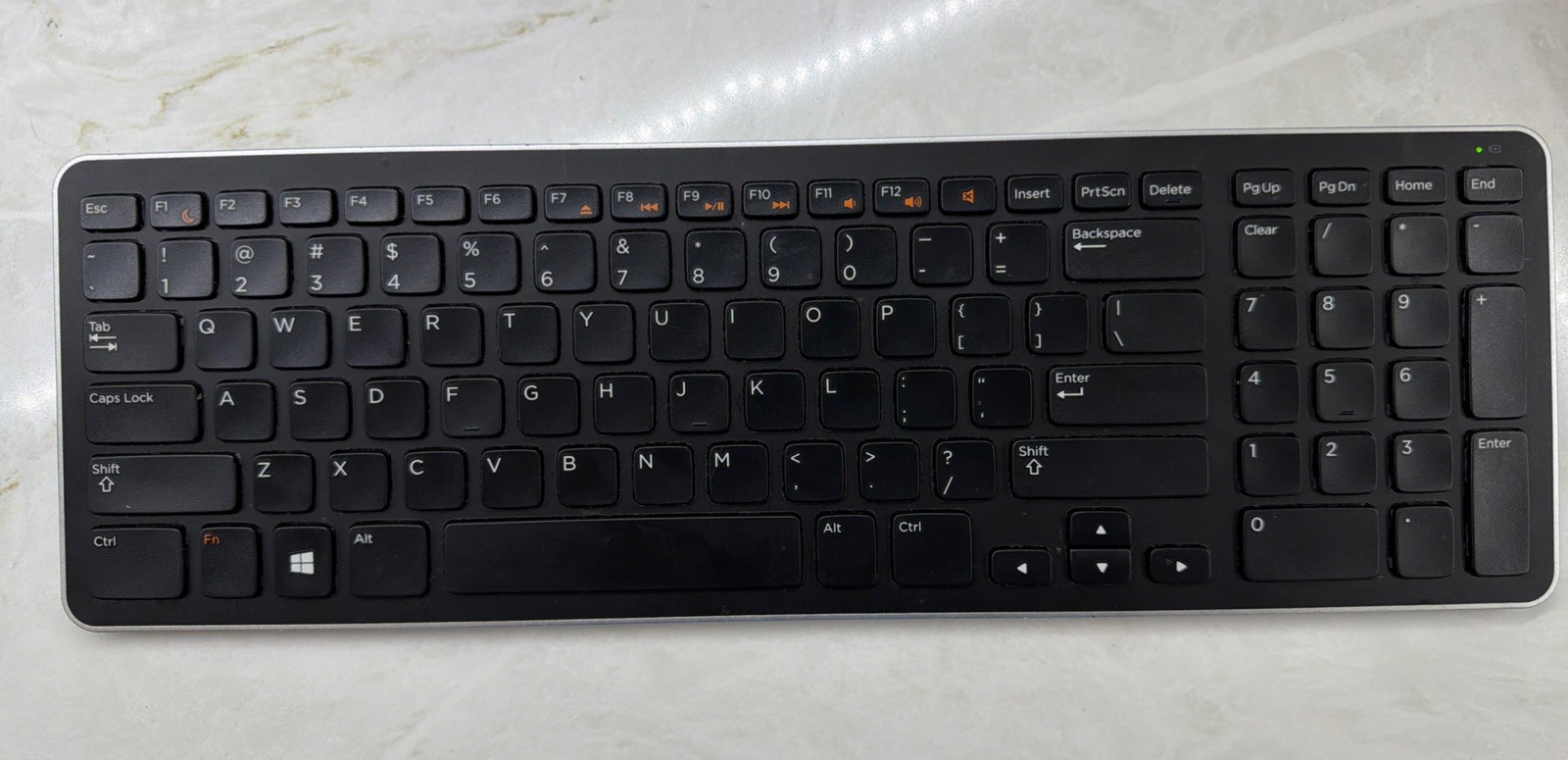
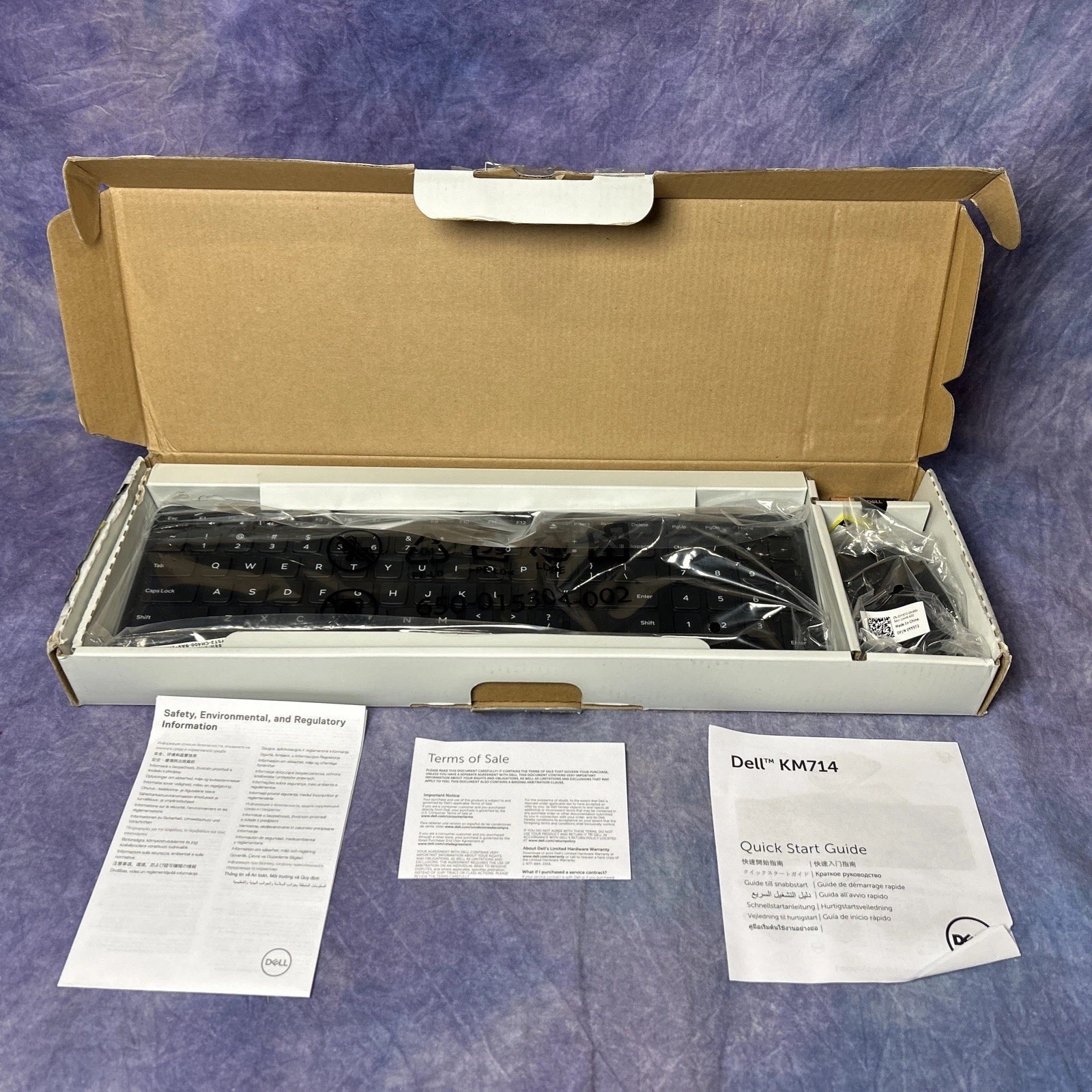
KM714
KM636
WK717
WM527
WM514
WM326
WM126
How to Pair the Dell Universal Keyboard and Mouse
Start the Dell Universal Receiver Control Panel and plug in the Dell Universal USB receiver.
Touch or click Add New Device.
Follow the instructions of the app.
Pairing is completed.






 .
.
